Rebuilding Customer Actions for Jira on Forge
Why Forge
Atlassian has been moving its app platform from Connect to Forge for a while now, and app vendors are making the move with it. Forge is where Atlassian is investing, and it brings some real advantages for a small app like Customer Actions: the app runs on Atlassian’s own infrastructure, updates are delivered automatically, and there is no separate service for us to run or for you to trust.
So we have spent the last while rebuilding Customer Actions for Jira on Forge.
A faithful rebuild
We want to be clear about what this is: a port, not a redesign. Every screen and every action you use today is being rebuilt to work the same way. The action list, the edit action, selecting and linking issues, signing documents, display conditions, the admin configuration and the customer portal panels are all part of it. If you have used Customer Actions before, the Forge app should feel familiar from the first click.
The same goes for your data. The Forge app reads and writes the same Jira properties as the Connect app, in the same format. Your actions, documents and issue history are not copied anywhere, and there is nothing to migrate. They are already where the Forge app looks. The two apps can even be installed side by side, and they stay in sync because they share the same properties.
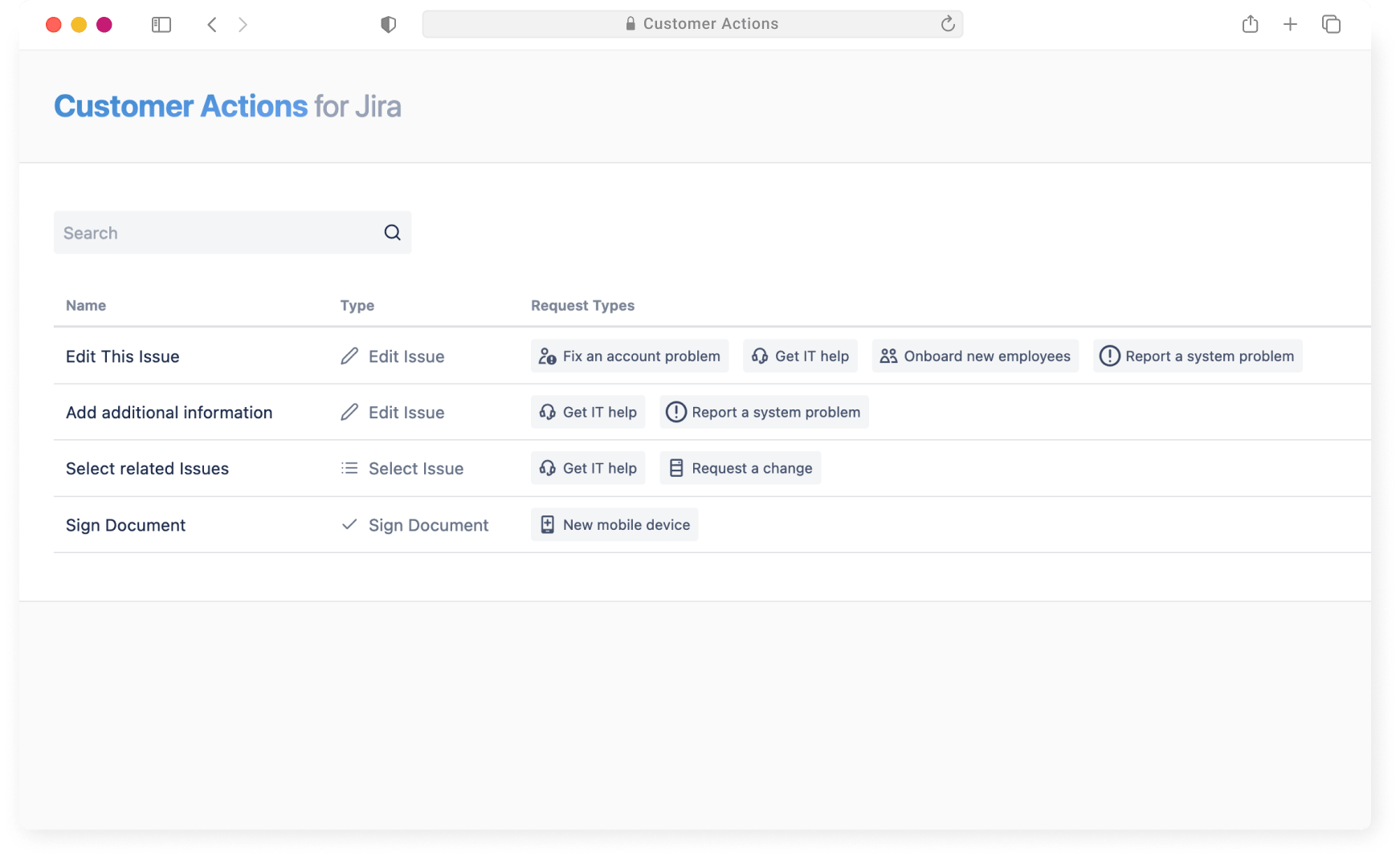
Where the rebuild stands
Most of the app is already ported. The Apps menu page, the admin configuration, project settings, the issue panel and the customer portal panels are all working on Forge, along with the trigger that runs when an issue is created.
The customer portal was the part we were least sure about. Connect had its own modules for the portal, and Forge did not have equivalents at first. Atlassian has since added native Jira Service Management modules, so the request view, the request side panel and the create form are all built as native Forge modules rather than a workaround. That is the version we wanted.
What is left are the deeper editing surfaces: the dialogs for editing issues, selecting issues and reviewing documents, and the more advanced project settings. Those are being ported next.
What this means for you
If you already use Customer Actions, there is nothing to do. Your existing setup keeps working, and once the Forge app is ready you can move over without losing anything.
New customers will get the Forge app when it is listed on the Atlassian Marketplace. We will share more here when that happens.
In the meantime, everything you know about the app still applies. The documentation covers setting up actions, editing issues, linking related requests and signing documents, and it all works the same way on Forge.
Do you have questions?
See how Customer Actions for Jira makes your Jira Service Management portal more interactive.